Version 3.1.49

(1) Visualization of Notes 🖌️
From the APP, you will see the notes you added to the reports in the Control Panel. Public notes will be visible to all users, while private notes will remain visible only to you.
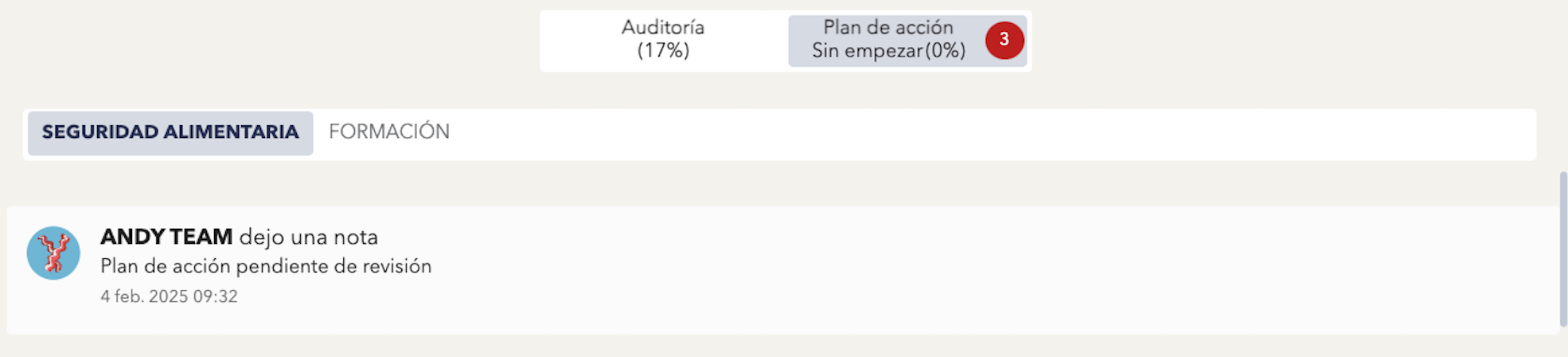
APP
Related article: How can I add notes to a report?
(2) Action Plan: Display the Subitems of the Item that Generates the Action Plan ➕
In the Action Plan tab within the APP, you can view the subitems of the item that generated the action plan. You have the option to collapse or expand them according to your preference, allowing you to organize the information more effectively.
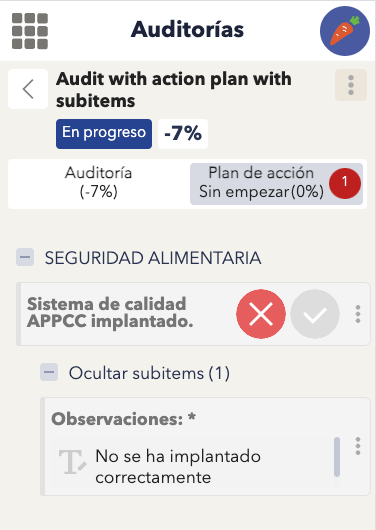
APP